Install and sign in
Install Tailscale and sign in using your own Google or Apple account. If your phone asks to add a VPN, tap Allow or OK.
Use Tailscale before opening YouTube, then switch it off when you’re finished.
Install Tailscale and sign in using your own Google or Apple account. If your phone asks to add a VPN, tap Allow or OK.
Enter the password Raheem gave you. Sign in with the same account as the app, then accept the invitation.
You only need to accept the invitation once. Keep the password private.
Open Tailscale and switch it on. Tap Exit Node near the top and choose homelab-pi. On iPhone, also check the exit-node switch is on.
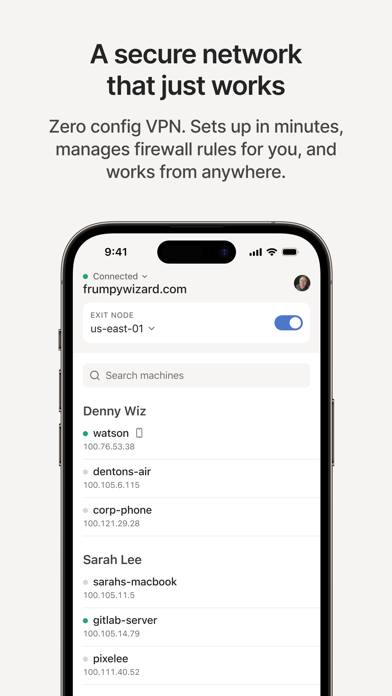
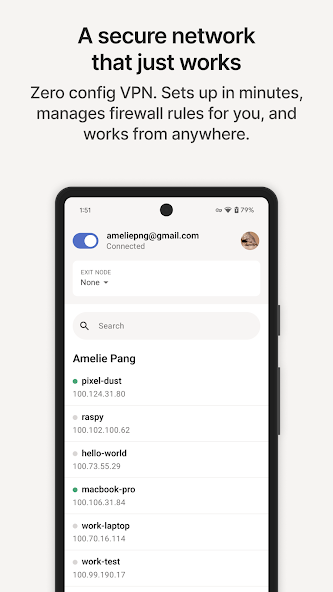
These are Tailscale’s example screens. Your screen will show homelab-pi; its appearance may differ.
Open YouTube and check your Premium benefits. If they are still paused, follow YouTube’s email or ask Raheem for help.
Open Tailscale and switch it off, or tap Exit Node → None. Your phone returns to its usual connection.